
discord server widget genartor
Generate a cool looking widget of discord server for your GitHub repo
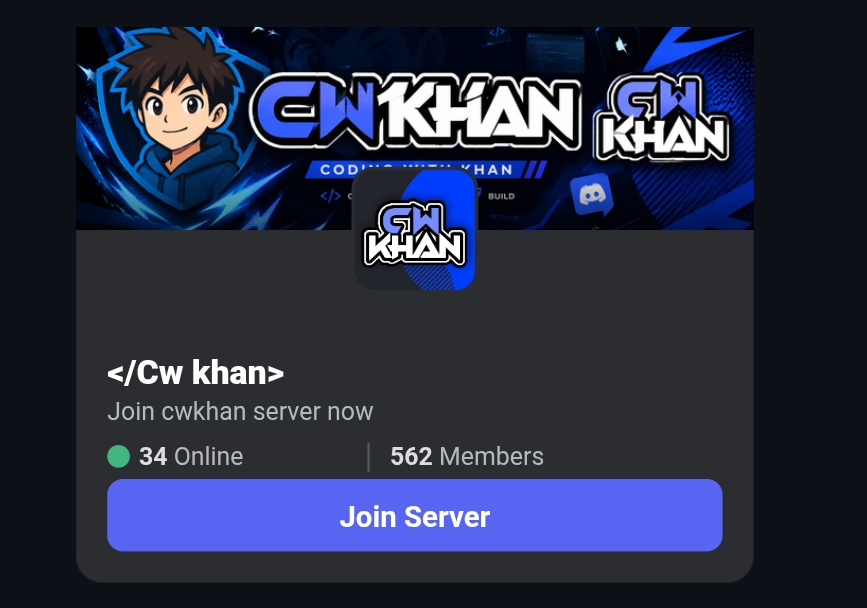
🚀 Build a Stunning Discord Server Widget for Your GitHub Profile
Want to showcase your Discord server on your GitHub README, website, or project page with a beautiful dynamic widget? Here's how you can create one in just a few clicks.
🎨 Generate Your Widget
Visit the Widget Generator:
👉 https://cwkhan.is-a.dev/tools/widgetgen
The generator allows you to create a fully customizable Discord server widget.
Features
- 🖼️ Custom banner support
- 🎭 Custom server icon support
- 🔗 Auto-detect server information from a Discord invite
- 📍 Multiple logo positions (Left, Center, Right)
- 👥 Live member count
- 🟢 Online member count
- ✨ GitHub-ready Markdown output
- ⚡ SVG-based dynamic widget
🛠️ How to Create One
1. Open the Widget Generator
Go to:
https://cwkhan.is-a.dev/tools/widgetgen
2. Add Your Discord Server
You can either:
- Paste your Discord invite link
- Upload a custom banner
- Upload a custom icon
If an invite link is provided, the generator will automatically fetch:
- Server Name
- Server Icon
- Server Banner (if available)
3. Customize the Layout
Choose where your icon should appear:
- Left
- Center
- Right
You can also customize:
- Description
- Colors
- Banner
- Branding
4. Generate the Widget
Click Generate Widget and scroll down to the GitHub Markdown section.
You'll receive code similar to this:
[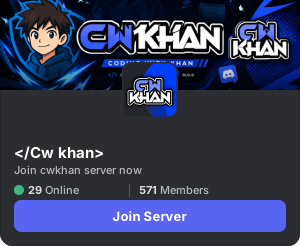](https://discord.gg/3c24dYbK83)
Simply copy and paste it into your:
- GitHub README
- Documentation
- Website
- Portfolio
- Project Pages
📊 Accurate Member Statistics
For real-time and accurate:
- Member Count
- Online Members
- Server Statistics
Make sure to invite the bot shown on the Widget Generator page to your Discord server.
Without the bot, the widget may only display limited public data.
✨ Example Widget

💡 Pro Tip
These widgets are perfect for:
- Open Source Projects
- Discord Communities
- Gaming Servers
- Developer Portfolios
- GitHub Profiles
- Documentation Sites
A dynamic Discord widget makes your project look more professional while helping visitors join your community instantly.
🔗 Start Building
Widget Generator: https://cwkhan.is-a.dev/tools/widgetgen
Create your widget, customize the design, copy the Markdown, and show off your Discord community anywhere on the web.
Comments (0)
- Be the first to comment.